Different places. One digital Reception.
A welcome that fits
your Organization.
The same information and conversation tools, shaped by the content you share and the access you configure.

Accommodation
Arrival details, house rules and a direct connection during a stay.
Explore accommodation
Garages
A clear handover and conversation from drop-off to pick-up.
Explore garages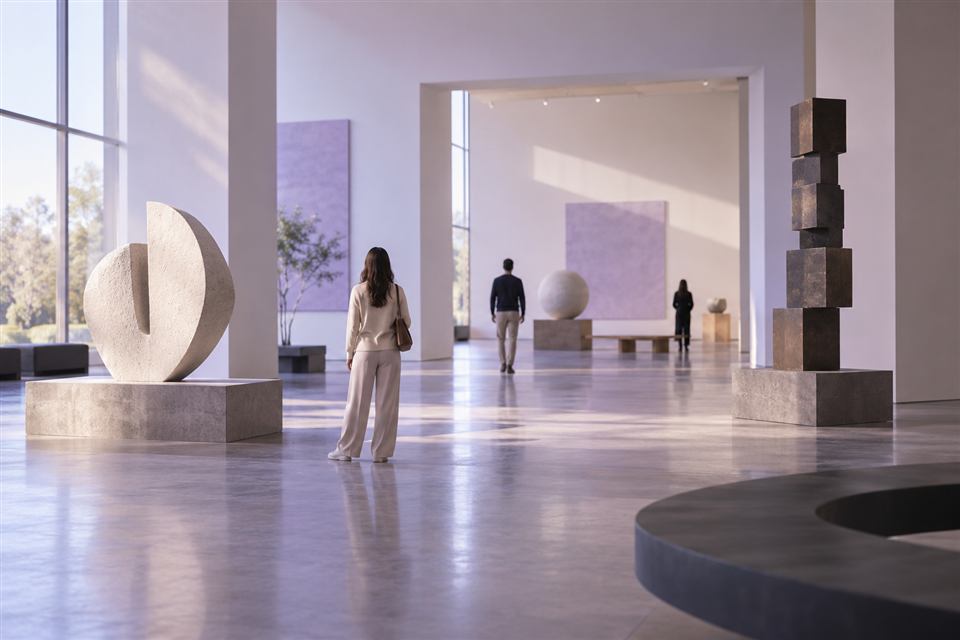
Museums
Practical visitor information in the languages you provide.
Explore museums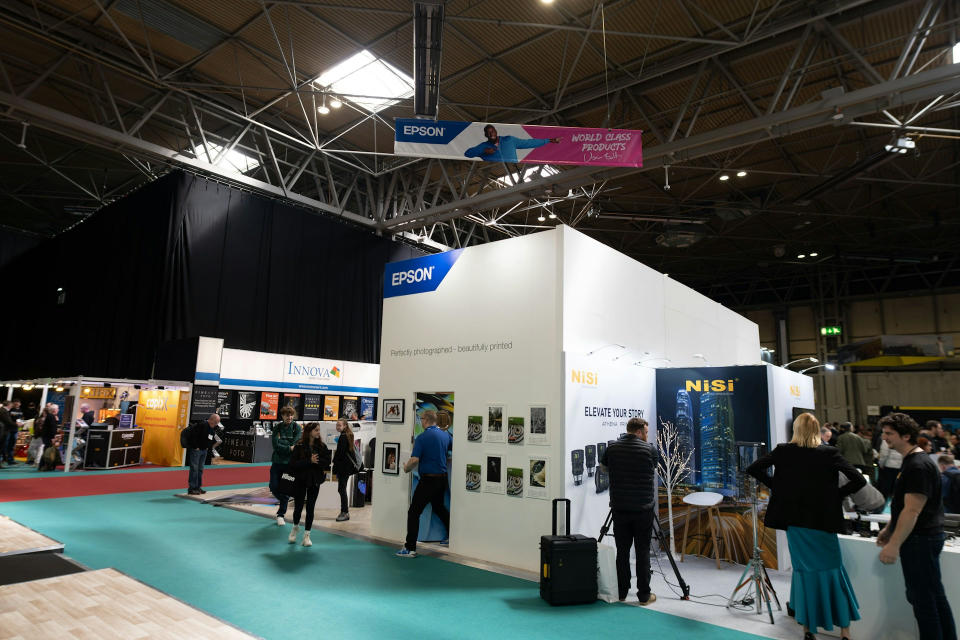
Exhibitors & information points
Less paper. Information that stays up to date. Share practical details through a QR or link, and keep the conversation within reach.
Explore exhibitors & information pointsInformation + conversationAccommodation
From arrival to checkout.
Give customers a Reception for their stay. Share arrival instructions, Wi-Fi details, house rules, checkout information and your own local tips.
Customers find practical information and Chat with you during their configured access period.
Try for free →Information + conversationGarages / automotive service
Keep customers informed during service.
Share appointment information, opening hours, contact details and drop-off or pick-up instructions as Reception Content.
Use Chat to answer questions and write service updates. Customers receive notifications for Chat messages.
Try for free →Information + conversationMuseums
Help visitors feel ready for their visit.
Bring practical visitor information together in one Reception. Add content in the languages you provide and configure temporary visitor access.
Visitors can read your information in the browser and Chat with your Reception when they have a question.
Try for free →Less paper. Current information.Exhibitors & information points
Less paper.
Information that stays up to date.
For trade-show exhibitors, exhibition stands, fairs, showrooms, open days and visitor information points. Give visitors a digital alternative to flyers, brochures and practical information sheets, using the same Reception tools.
- Create your Organization's digital Reception.
- Add the information you would otherwise print as Reception Content, in the languages you provide.
- Display the QR or link at your stand or information point, or on minimal physical material.
- Visitors scan or open the link and follow your configured access process.
- Keep information up to date and digitally available during the relevant access period.
- Visitors can contact your Reception through Chat and receive notifications for Chat updates when applicable.
A way to reduce unnecessary paper use, without changing how your Reception works.
Try for free →Your next welcome starts here
Try Recepzion
for free.
Create your Organization, add information,
and bring your Reception online.